Using the EV Charging Points
Charge your electric vehicle on campus using the Monta App
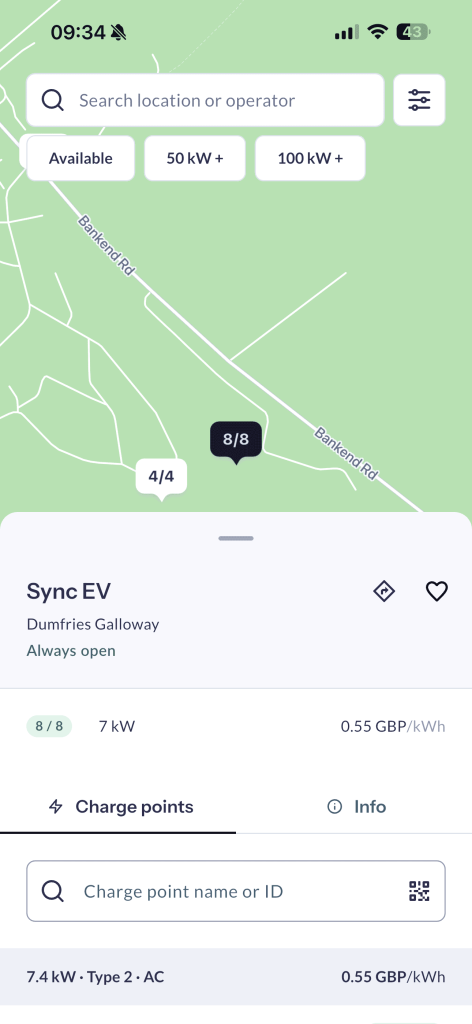
Eight electric vehicle charging points are available for students, staff and members of the public.
Before you charge
You will need to download the Monta Charge app and create an account before using the charging points.
Follow the instructions in the app to:
- Create or sign in to your Monta account.
- Find the available College charging point.
- Connect your vehicle.
- Start and manage your charging session.
The app will show any applicable charging costs before you begin.
Do not use the charging points next to the Henry Duncan building.
These are reserved for College vehicles and are not available for students, staff personal vehicles or members of the public.
Please make sure you use one of the charging points marked for public use.